
What Is Form 26AS and Why Every Taxpayer in India Needs to Check It Before Filing ITR
-
 by
by
- in Education

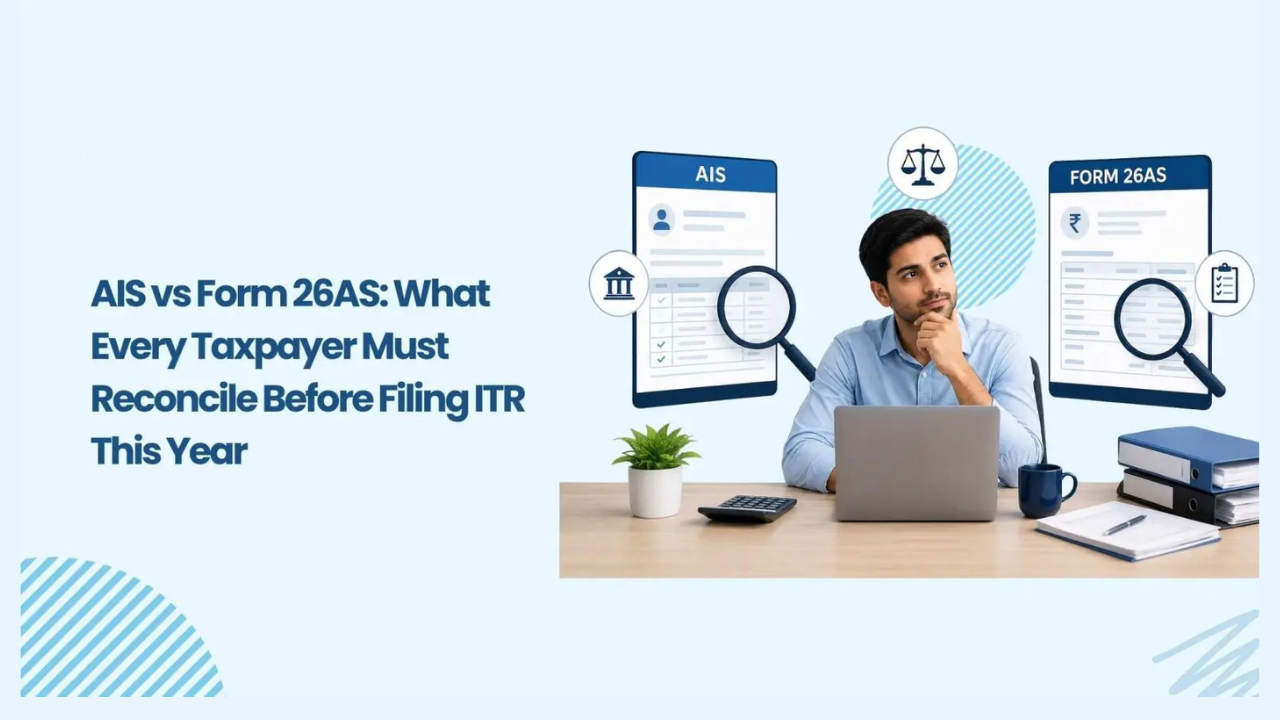
Filing your income tax return is something most people dread. You gather your salary slips, check your bank interest, and punch numbers into some website. But there is one document a lot of folks completely forget to check, and that mistake can cost them money or land them a notice from the tax department. That document is Form 26AS.
What is it exactly?
Think of Form 26AS as your yearly tax report card. The Income Tax Department prepares it automatically for every PAN holder. It pulls together every single tax-related transaction that happened under your PAN in a financial year. Your employer cutting TDS from salary? It is there. Your bank cutting tax from FD interest? It is there. You paying advance tax yourself? That is there too. Even refunds the department sent you will show up.
The best part is you do not create this form. Banks, companies, and anyone who paid you money and cut tax have to report it to the government. The government then dumps all that data into one statement linked to your PAN. That statement is Form 26AS.
Why this form actually matters
A lot of people ask why they cannot just file returns using their salary slips and be done with it. The problem is the tax department already knows what is in your Form 26AS. Their computer will match your return against this data. If you claim a TDS credit of ₹30,000 but Form 26AS only shows ₹10,000, the system will flag it. You might get a notice later asking where the extra ₹20,000 came from. Or worse, you might not get the credit at all and end up paying more tax than you owe.

Picture this. Your company deducted ₹25,000 as TDS from your salary over the year and deposited it. But while depositing, someone in the accounts team typed your PAN wrong by one digit. The money reached the government, but it did not get linked to your PAN. Now when you check Form 26AS, that ₹25,000 is missing. If you file your return without noticing this, you will pay tax on that income again because you cannot claim the credit. That is literally throwing away money. All because you did not spend five minutes checking one form.
What you will find inside
Form 26AS is split into parts, and each part tells a different story. Part A covers TDS or tax deducted at source. This is the big one for salaried people. It shows who deducted the tax, their TAN, how much they paid you, and how much tax they cut. Part B is for TCS or tax collected at source, which applies when you buy things like a car above ₹10 lakh or do foreign remittances.
Part C shows direct taxes you paid. If you paid advance tax in installments or paid self-assessment tax before filing, it appears here. Part D is for refunds. If the tax department sent money back to you, this part shows the amount and the date. Part E tracks high-value transactions reported by banks and financial institutions, like if you bought mutual funds or property. Part F is for TDS on property sale, which matters if you sold land or a house. Part G shows any defaults recorded against your deductors.
How to download it
Getting your hands on Form 26AS is free and takes maybe ten minutes. Go to incometax.gov.in and log in with your PAN or Aadhaar. Once inside, click on e-file, then Income Tax Returns, then View Form 26AS. You will see a disclaimer, just confirm it. The site redirects you to TRACES, which is the government system handling all TDS data.
On TRACES, click View Tax Credit Form 26AS, pick your assessment year, and choose how you want to see it. You can view it as HTML right in the browser, or download a PDF or text file. If you grab the PDF, the password is your date of birth in DDMMYYYY format. So if you were born on 15 March 1990, type 15031990. That is it.
You can also check it through net banking if your bank is tied up with the tax department and your PAN is linked. Just log in and look for a tax or TDS section.
When the details are wrong
Sometimes Form 26AS shows TDS that is not yours. Sometimes it misses TDS that should be there. Sometimes the amounts are just wrong. Do not sit on it. Reach out to whoever deducted the tax. If it is your employer, talk to HR or payroll. If it is your bank, call them or visit the branch. Tell them to file a revised TDS return with the correct details. Once they do, the updated info flows into your Form 26AS within a few weeks.
If the person or company is not cooperating, you can raise a complaint on the TRACES portal. But fixing it through the deductor is always faster.
Form 26AS vs AIS

You might have heard about AIS, which stands for Annual Information Statement. From assessment year 2023-24, the government shifted some data around. Form 26AS now sticks mainly to tax credits like TDS, TCS, advance tax, and refunds. AIS covers your broader financial picture like interest from savings, dividends, stock trades, and mutual fund purchases.
So check Form 26AS first to make sure your tax credits are correct. Then glance at AIS to catch any income you might have forgotten to report.
Final Word
Form 26AS is not some boring government paper you can ignore. It is the one place where you can verify whether the tax deducted from your income actually reached the government under your name. Before you file your next return, download this form, compare every entry with your salary slips and bank records, and only then hit submit. It takes ten minutes and it can save you from overpaying tax, losing credits, or dealing with nasty notices later. Just make it a habit.
Read More: Best Laptop Under 50000 in Bangladesh (2026 Buying Guide)

No comment