
NBM Login: Get A Simple Guide to Login Here
-
 by
by
- in Technology

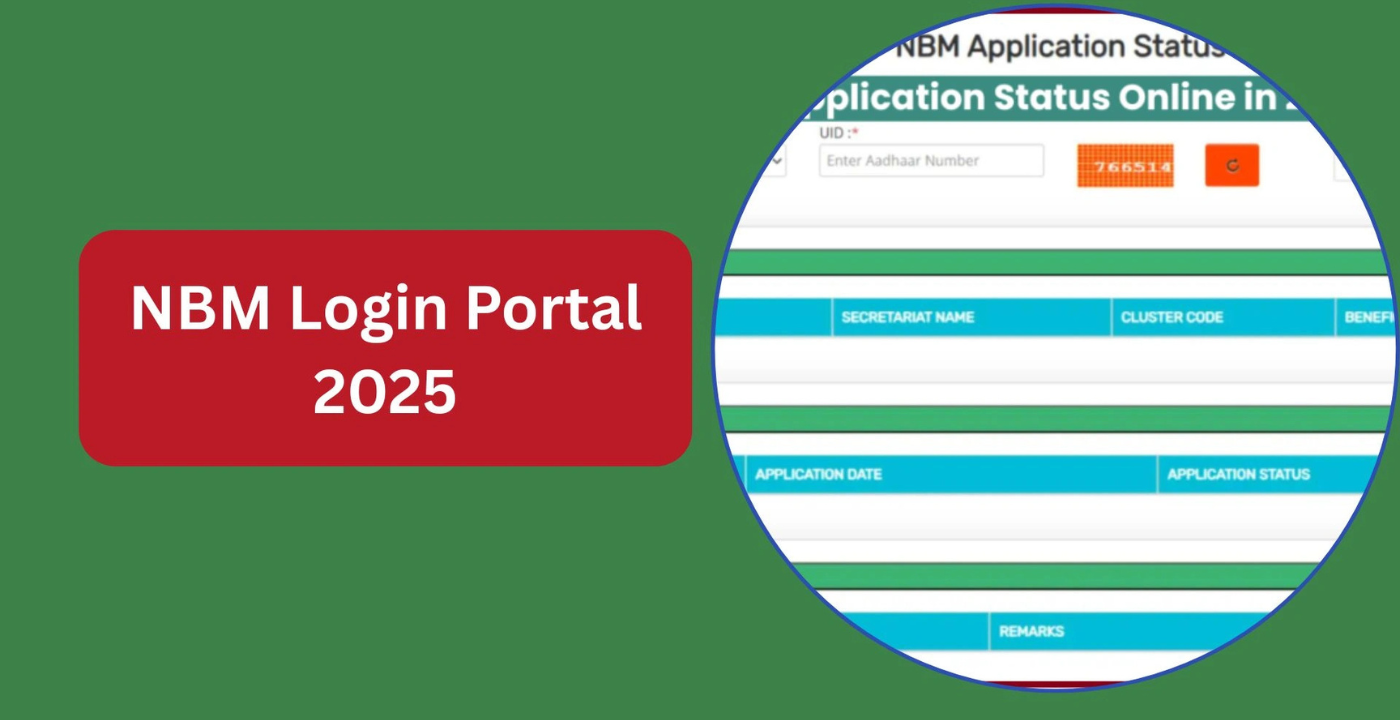
If you live in Andhra Pradesh and you’ve ever tried applying for any government welfare scheme, you’ve probably heard people talk about the NBM portal. NBM basically stands for Navasakam Beneficiary Management. It’s the online system that the Andhra Pradesh government runs to handle all the welfare stuff. The NBM login is just your way in – once you’re logged in, you can check if your application got approved, see if you’re eligible for schemes, track complaints, and do a bunch of other things without having to physically go to some government office and stand in line for hours.
Let me just explain what this whole thing is, how you actually log in, what you can do once you’re inside and a few things that might save you some headache.
What Even Is This NBM Portal?
Look, the NBM portal is basically an online platform that the Andhra Pradesh government built. The whole idea was to make welfare services less of a mess for regular people. Before this thing existed, if you wanted to know what happened to your welfare application, you had to go to the government office again and again. Stand in queues. Fill out more forms. Deal with paperwork. It was honestly a pain.
Now with the NBM portal, most of that nonsense is gone. You can just check your application status from your phone or laptop. You can see if your name made it to the beneficiary list. You can even file a complaint if something goes wrong and actually track what happens to it. The portal is connected to the Grama and Ward Sachivalayam system, so everything is linked at the village and ward level. That means things move faster and there are fewer delays.
The actual website is bm-sgsw.ap.gov.in/BM/. That’s where you go for the NBM login and everything else.
How Do You Actually Log In?
Logging in is honestly not that complicated. You don’t need to be some tech genius to figure it out. Here’s how it goes.
Open your browser and go to bm-sgsw.ap.gov.in/BM/. Once the page loads, you’ll see a login option somewhere on the homepage. Click that. Then you’ll get fields for your username and password. Type those in carefully. After that there’s a captcha – you know, those little puzzles to prove you’re a human and not a robot. Fill that in and hit the login button. If your details are right, your dashboard opens up.
From there you can access all the welfare scheme services, check your beneficiary records, track your applications, manage any complaints you filed, and so on. Everything is right there in one place. You don’t have to jump between ten different websites.
There’s also a separate login for government officials and volunteers. They use something called the GSWS login, which gives them access to scheme management tools and field verification stuff. Having two separate logins keeps things clean and makes sure random people can’t mess with official data.
Read Also: What Is Hammer AI? A Complete Explanation of This Tool
What Can You Actually Do Once You’re Logged In?
Once you’re inside, the portal gives you access to quite a few useful things.
The most common thing people do is check their application status. If you applied for any welfare scheme, you can see exactly where things stand. Is it approved? Still pending? Under verification? Did it get rejected? You get real-time updates so you’re not left wondering what the heck is going on.
There’s also an eligibility checker. Before you even waste time applying for a scheme, you can use the portal to see if you actually qualify. Just enter your Aadhaar details, pick the scheme you’re interested in, and it’ll tell you yes or no. Saves you from applying for things you’ll just get rejected for.
The beneficiary list check is pretty useful too. Sometimes you just want to confirm whether your name actually made it to the final list. You can search using your Aadhaar number or household details and see scheme-wise beneficiary data. It’s transparent – you can verify things yourself instead of just trusting whatever someone tells you.
And if something goes wrong – like delayed payments, wrong rejections, or incorrect info – the grievance system is there. You can submit a complaint online and then track it using your grievance ID. No more going to government offices three times just to ask what happened to your complaint.
Some Popular Schemes on the Portal
The NBM portal is hooked up to several big Andhra Pradesh welfare schemes. You’ve probably heard of Amma Vodi – that one gives financial support to mothers for their kids’ education. Then there’s YSR Cheyutha for eligible women, YSR Rythu Bharosa for farmers, Pension Kanuka for monthly pensions, YSR Matsyakara Bharosa for fishermen, YSR Vahana Mitra for auto and taxi drivers, plus YSR Kapu Nestham, Jagananna Chedodu, Netanna Nestham, and EBC Nestham.
All of these are managed through the NBM portal, so it’s basically your one-stop place for welfare services in the state.
Keep These Documents Handy
To avoid getting stuck during login or while filling out applications, it’s smart to keep your documents ready. You’ll usually need your Aadhaar card for identity verification. An address proof to confirm where you live. An income certificate for eligibility checks. If you’re in a reserved category, your caste certificate might be needed. Bank account details are super important because most benefits go straight to your account. Some schemes might also ask for educational certificates, passport photos, or other specific stuff like a widow certificate or SADAREM certificate.
Just scan these and save them on your phone or computer. Trust me, it saves a ton of time when you’re filling forms on the portal.
Common Problems and Quick Fixes
Like any online system, the NBM portal can act up sometimes. Here are the usual issues people face.
Can’t log in? First thing – check if your Aadhaar is linked to an active mobile number. The portal sends OTPs for verification, so if your number isn’t working or isn’t linked, you’re gonna get stuck.
Application got rejected? Don’t freak out. Usually it’s because of eligibility issues or missing documents. See what went wrong, fix it, and reapply if you can.
OTP not coming? Could be network issues or the server is just slow. Wait a few minutes and try again. If it still doesn’t work, double-check that your mobile number is correctly registered.
Wrong details in your application? Contact your local Gram Sachivalayam or Ward Secretariat ASAP. Getting it fixed before verification is way easier than trying to correct it later.
Why This Portal Actually Matters
The NBM portal is a pretty big deal for digital governance in Andhra Pradesh. It brings transparency to how welfare money gets distributed. It speeds up application processing. It makes sure benefits go directly to people without middlemen taking a cut. And most importantly, it gives easy access to both rural and urban folks.
Instead of running from office to office, people can now handle most welfare stuff from home. That’s especially helpful for elderly people, women, and people in remote areas who can’t just travel around all the time.
Final Word
The NBM login isn’t just some random username and password. It’s your way into government welfare services that actually work faster and cleaner. Whether you want to check your application status, see if you’re eligible for something, or file a complaint, the NBM portal handles it.
Just use the official website at bm-sgsw.ap.gov.in/BM/, keep your documents ready, and make sure your mobile number is active and linked to your Aadhaar. If you get stuck, your local Gram or Ward Sachivalayam can help you out. Digital governance is supposed to make life easier, and honestly, the NBM portal does a decent job at that. So go ahead, log in, and get your stuff done without leaving your house.
Read More: Crypings.com: A Complete Guide for 2026

No comment