
How to Stop Phone from Overheating: Your Complete Guide to Fix It Simply
-
 by
by
- in Mobile Phone Technology

There’s nothing more irritating than holding up the phone and finding it too hot to hold. A phone usually overheats due to its slow performance, excessive battery drain, or excessive heat radiating from the pocket, and get a red flag that something needs to be done. Here, in this article, we will discuss some ways that can help you prevent your phone from getting hot and without the need for a trip to the repair shop.
What Causes Phones to Overheat?
First, it’s crucial to understand what the common issues are so that you are better equipped to solve them when they occur. The phone usually overheats when it’s in direct sunlight, playing games or streaming videos, charging while in use, having unnecessary apps running in the background, the battery is getting old, or the charger is faulty or not certified. If you have an idea of what the cause is, it becomes much simpler to find a solution.
How to Stop Your Phone from Getting Too Hot: 10 Simple Tips That Actually Work
1. Take Off the Case While Charging
Thick phone cases insulate the phone similarly to a blanket. Unplug it when it is plugged in — your phone will cool down faster.
2. Avoid leaving in the sun or a hot car
Just a few minutes in direct sunlight or parked in a car can cause temperatures to reach dangerous levels on your phone. Instead, store in the shade or in a bag.
3. Close unused applications:
A running CPU (brain) makes your phone hot when it has to deal with apps running in the background. Always close unnecessary applications.
4. Reduce the brightness of your screen
If your phone is getting too hot. You have to use the phone in a balanced brightness and need to avoid too much brightness.
5. Set the brightness of your screen down.
More brightness on the screen = more heat for your phone. When possible, set to auto-brightness or turn down the brightness.
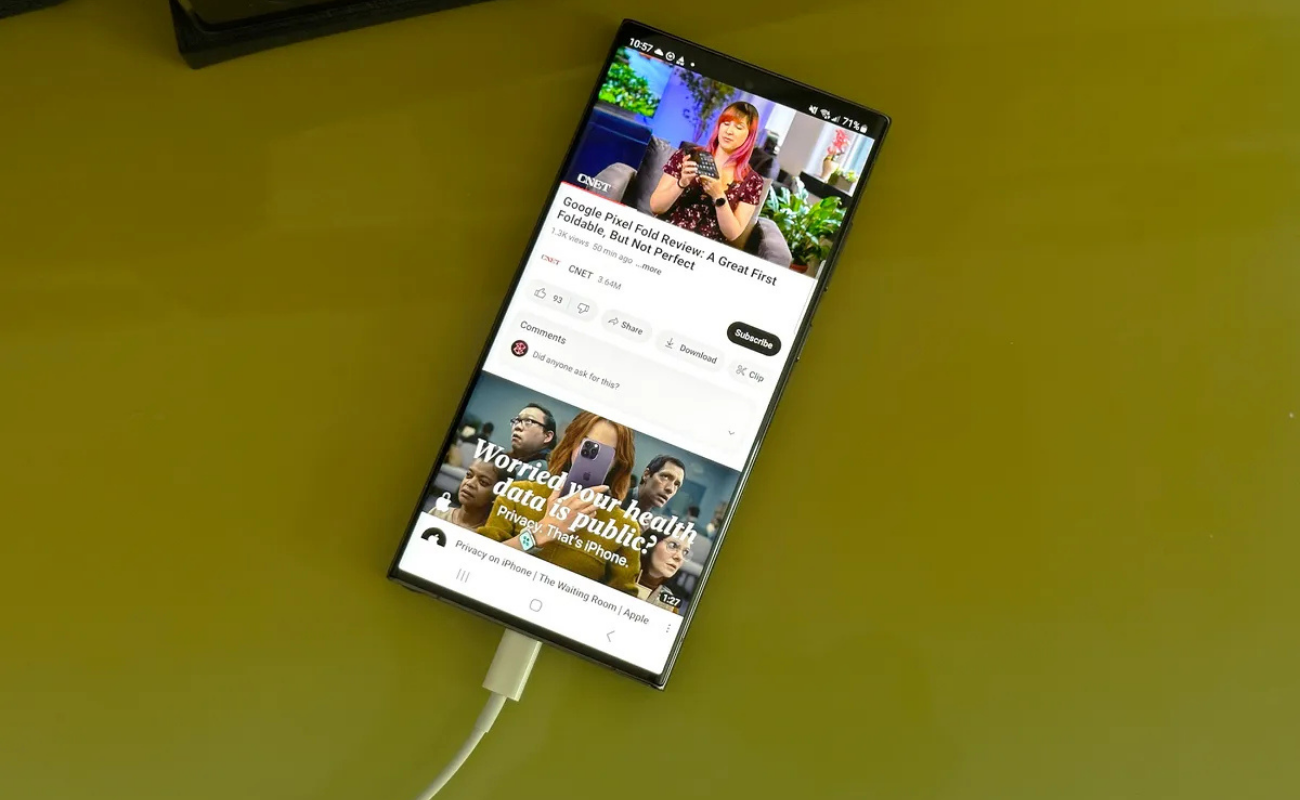
6. Turn off items that are not in use.
Even when you don’t need them, Bluetooth, GPS and Wi-fi continue to search for signals, which consumes power and generates heat. Turn them off when they’re not in use.
7. Avoid Using the Phone in a Hot Tub or Bath
Excessive usage of your phone when plugged in makes the battery and processor perform twice as hard. That’s a heating recipe! Allow at rest recharge.
8. Update your Apps and Software.
Irrelevant applications and legacy software will consume a lot of resources, leaving your phone less efficient. Regular updates resolve bugs and make things smoother.
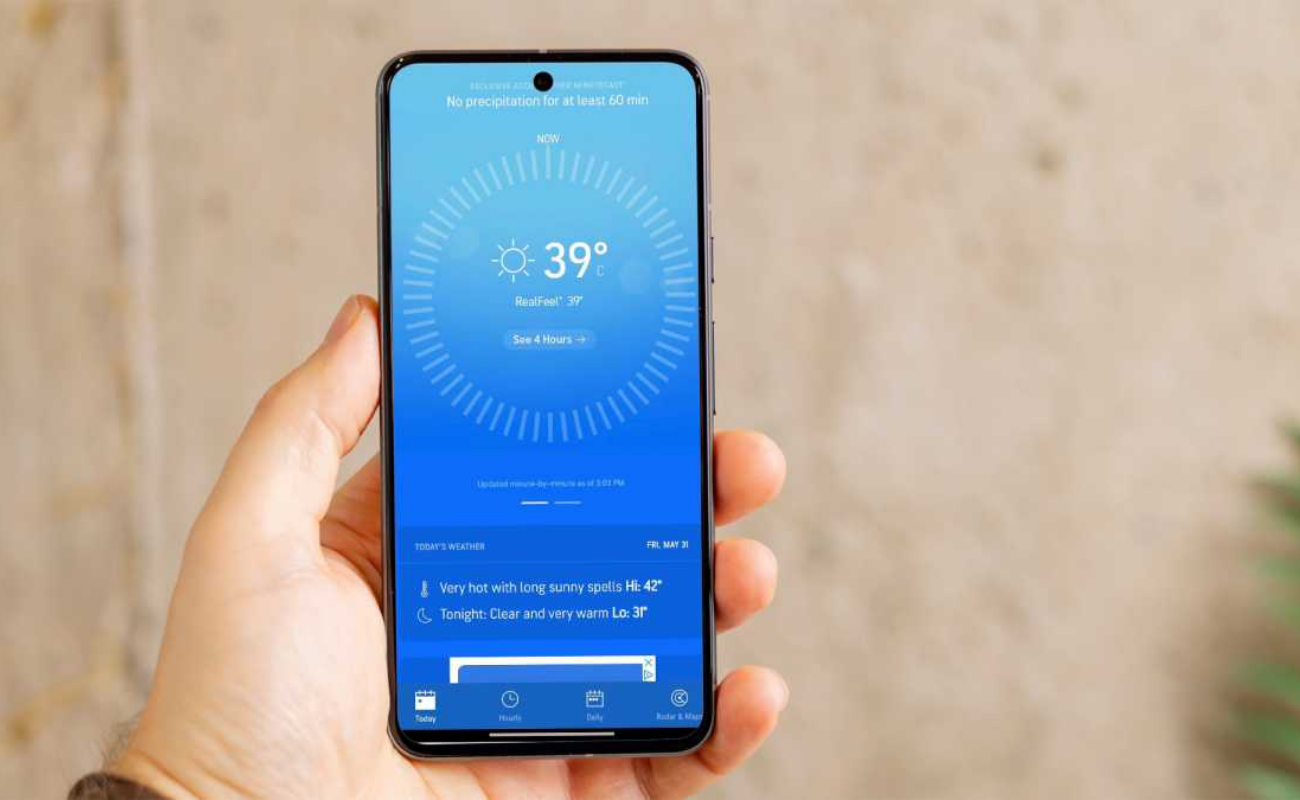
9. Ensure that the vehicle’s charger is the Original or Certified Charger.
Unfortunately, low-cost, generic chargers can deliver unequal power to your device and lead to overheating. Use the charger that the phone came with or a trusted and certified charger.
10. Restart Your Phone Now and Then
A simple restart will clear out the “glitches” and “stuck processes” in memory, that may be working in the background and heating things. Repeat at least once a couple of days.
11. Check Your Battery Health
One of the top causes of overheating phones is because of the old or damaged battery. Look into battery health in settings; if it is very worn down, it may be time to replace the battery.
When Should You Actually Worry About Your Phone Getting Too Hot?
Your phone will get hot during charging and while playing a game for a bit is perfectly normal. But there are some red flags you shouldn’t ignore.
If your phone is hot without use, shuts off or if the battery appears swollen or smells burned, discontinue use immediately. Set it on the floor and DO NOT touch it. Once you’ve exhausted all the cooling methods and your phone is still hot, this typically points to something is off with the device(s) inside. If so, it’s best to have it checked by a professional rather than fixing it yourself.
Final Word
Just a bit of everyday maintenance can make a huge difference when it comes to your phone. Close applications, utilize a certified charger, and keep it away from direct sunlight – these little actions can help your cell phone remain smooth, cool and enduring. Follow these tips now, and let your phone rest.
However, keep in mind that if your phone heats up without reason, shuts off periodically or if there is an expansion of the battery, don’t delay. If this happens, send it to a professional right away; these may be indications of a hardware issue. If you take proper care, you can get years of use out of your phone.
Read More: The Growing Battle over Mobile Privacy

No comment