
Bug in Monitor: Causes, Signs, and Safe Ways to Remove It
-
 by
by
- in Technology

You sit down at your desk, start your computer and observe a small black dot scooting across the desktop. It may initially appear as a dead pixel or dust that got stuck in a pixel. Then it gradually moves its position. When most people realize there is a potential Bug in Monitor panels.
Yes, this is a problem that many users would not think of. LCD and LED displays naturally draw tiny insects towards them with warmth and light. The bright side is that, in most instances, the problem is not hazardous for your monitor. But a wrong reaction can cause the screen to be damaged irremediably.
In this article, I will outline how to detect a bug in your monitor, how to safely remove the bug, and what you should not do.
What is a Bug in Monitor?
Bugs in monitor are typically a small bug stuck between the layers of the display. It is often mistaken for:
- Dead pixels
- Dust particles
- Screen defects
Tiny bugs such as thrips can penetrate monitor ventilation openings. They can be seen on bright backgrounds inside.
How to Tell if There Is a Real Bug Inside Your Monitor
You want to first determine what it is that you are seeing before attempting to make any repairs.
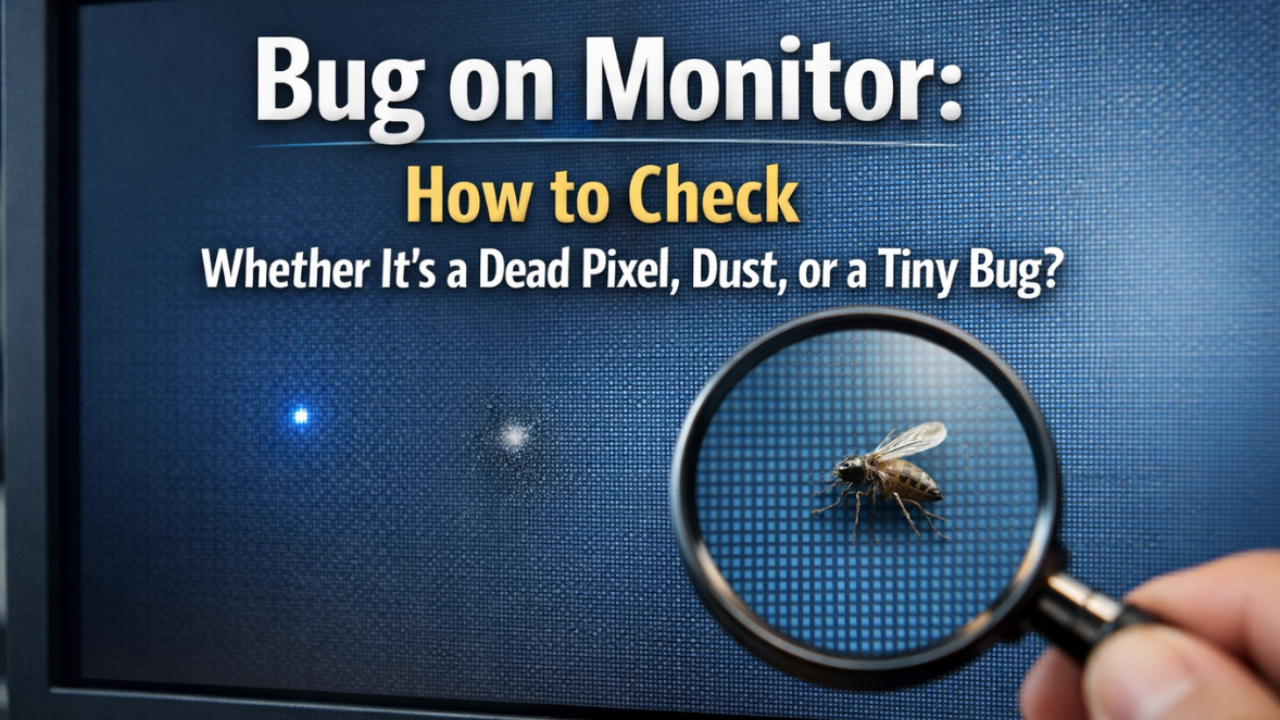
The spot moves slowly
A true bug will move slowly or perhaps gradually over time. Dead Pixels do not move.
Small Legs or Wings Appear
When zoomed in with the phone camera, you may notice irregular edges, legs or wings. Dead pixels are typically square dots that are aligned with the screen grid.
Shape Changes Over Time
Typically dust and dead pixels don’t change. A real bug could turn and go in another direction.
Dead Pixels Stay in One Place
A solid color screen test can aid in determining the problem. It is possible to get a dead pixel that doesn’t move from the color screen and a bug that may create a soft shadow instead.
Why Do Bugs Get Inside Monitors?
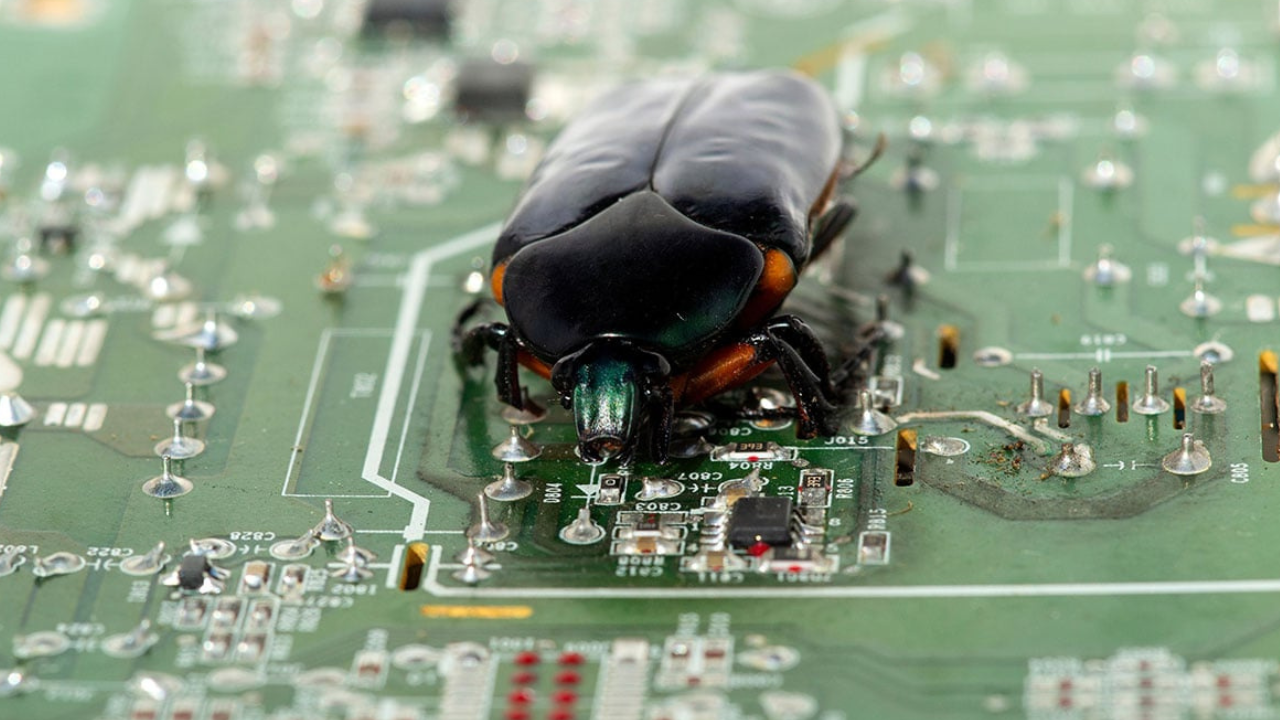
Modern monitors are not entirely air-tight. They have small ventilation holes which let heat out.
Unfortunately, insects are attracted to:
- Warm surfaces
- LED light
- Dark sheltered spaces
That’s why you may notice the small bugs crawling around screens on warm, humid nights. Even clean rooms can experience this issue.
Is a Bug in Monitor Dangerous?
Most times, no.
The trapped insect is typically stuck between the optical layers of the display and does not harm the electronics. The number one challenge is distraction. The moving black spot is very noticeable while playing, editing or working in the office.
The true risk lies with users squeezing the screen excessively and harming the animal. Too much pressure could cause LCD panels to become permanently damaged or cause bright spots.
Safe Ways to Remove a Bug from Your Monitor
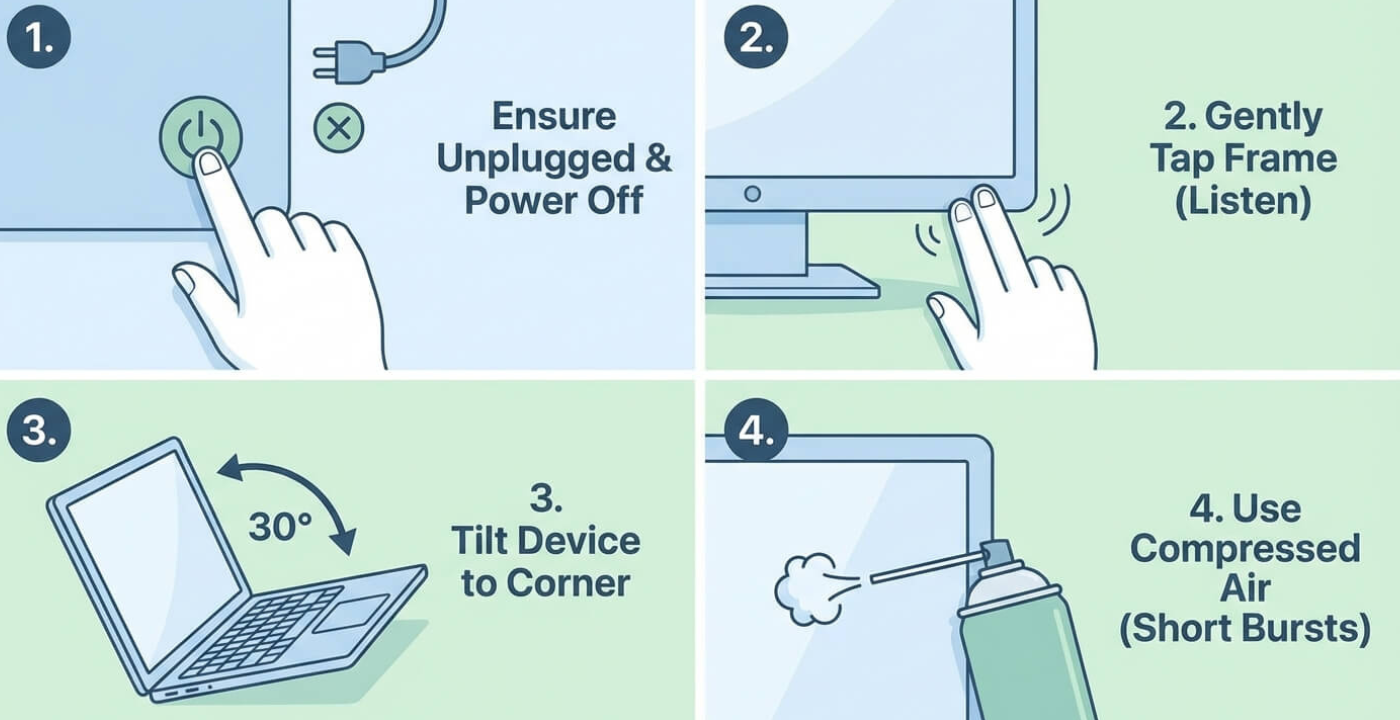
If you see an active bug, don’t press the screen, as this will trigger a response.
Switch the Monitor to off and wait
The simplest way is to switch off the TV at night. If left alone, the bug can crawl out if it doesn’t require heat and light.
Use Gentle Tapping
If the insect is already dead within the display, gently clap on the plastic bezel surrounding the display. Refrain from tapping the glass directly.
The vibration will sometimes make the bug go towards the bottom edge of the panel.
Shine a Light Near the Edge
Live bugs will be drawn toward the monitor vents by the use of a flashlight placed near the monitor vents. This is an effective trick that works well with very small thrips.
Keep the Room Dark
Switch off lights around the area and have the flashlight as the brightest light in the surrounding area.
Avoid Pressing the Screen Hard
This is very crucial. Squeezing and pressing the display can do as much damage as the original bug problem, it may cause permanent damage to the display.
What You Should Never Do
Here are common errors made by many users:
- Never open the monitor yourself!
- Don’t use sharp objects or needles
- Avoid spraying the liquid onto the screen.
- Don’t apply too much pressure.
I’ve witnessed the complete destruction of monitors that were performing fine only because the user panicked and applied excessive pressure on the panel.
How to keep Bugs out of your Monitor
It is much easier to prevent the issue than to fix the issue later.
To Maintain a Clean Desktop
Dust and insects tend to be more prevalent in cluttered areas.
Minimize Light at Night
Small bugs are drawn to a lighted screen at night.
Use a Monitor Cover
Covering the monitor when not in use can help to minimize exposure.
Close windows at night time
Small flying insects frequently find their way into rooms in the night particularly in humid conditions.
Final Word
If you’re searching for a bug in Monitor screens and it’s too small to find, it could be very frustrating, particularly if it continues to move throughout the working day or whenever you’re playing games. Fortunately, it is generally nothing serious and may be easily resolved with patience and careful handling.
The key to the solution is simple – don’t apply pressure to the screen, Cool it, or let it leave on its own. If you care for your monitor and take preventive measures, it won’t be damaged in the long run.
FAQs
1.Is it possible that a bug could ruin my monitor forever?
Usually no. The primary hazard lies in pushing or abusing the screen when it is being removed.
2.So what can I do to check if it’s a bug or dead pixel?
Dead pixels will remain in exactly one location, whereas a bug will stay slightly and look irregular.
3.Will the bug come out on its own?
Sometimes yes. Switching off the monitor at night can sometimes help insects to depart.
4,Can pressing the screen get rid of the bug?
No. LCD layers can never be damaged by strong pressure.
5.Do LEDs and LCDs allow bugs to be installed in them too?
Yes. LED and LCD displays can be penetrated by tiny insects through the ventilation gaps.
Read More:White Dot on Mobile Screen: Causes, Fixes, and Prevention Tips

No comment