
HRMS Government of Bihar: How Employees Can Check Salary Slips, Service Books & Apply for Leave Online
-
 by
by
- in Business

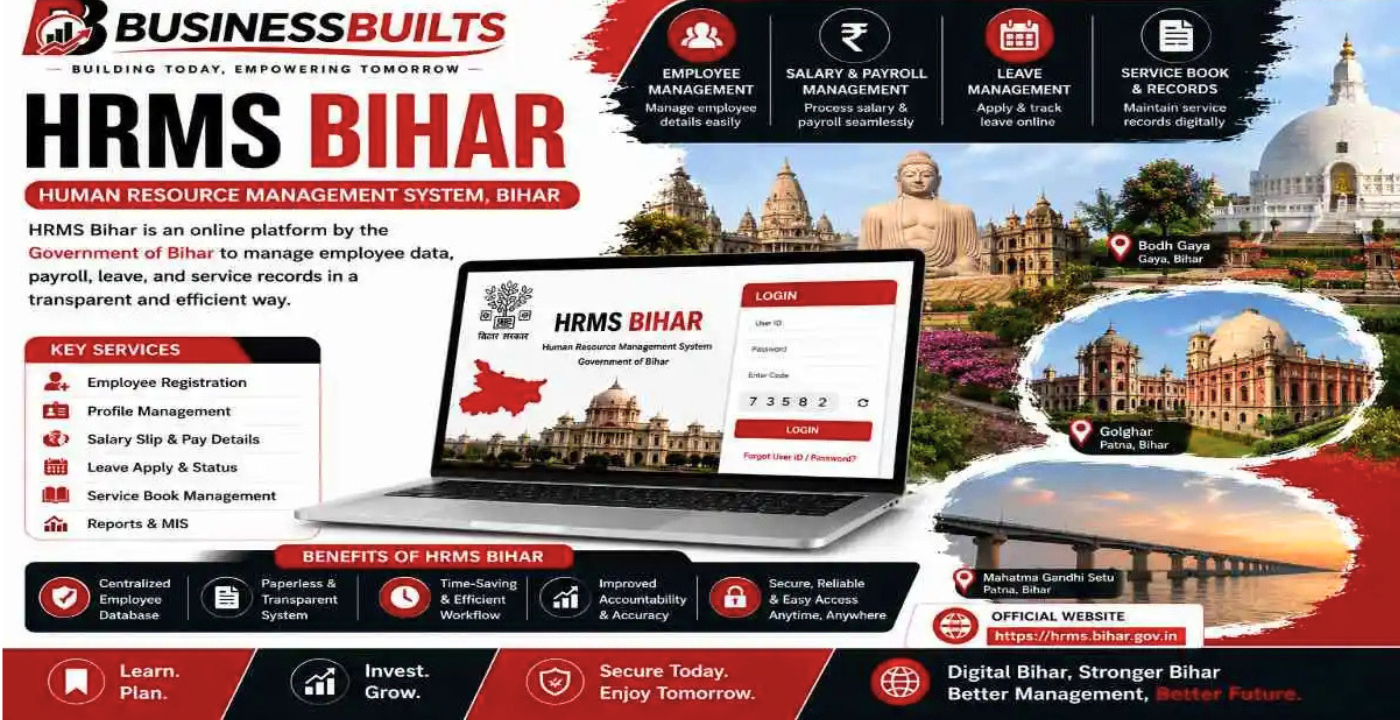
Imagine you are a teacher in a small town in Bihar. Your daughter’s school admission form needs your salary slip as proof of income. The deadline is tomorrow. You finish your classes at four in the evening, rush to the block office and find the accounts room locked. The peon tells you the clerk has gone home early. Your heart sinks. You have no slip. You have no proof. And you have no idea what to do next. If this story hits too close to home, take a breath. The HRMS Government of Bihar portal was built exactly for moments like this. So, to know about it in detail, read the post to the end and explore everything.
What is This Portal, Really?
Let us not make it sound like rocket science. HRMS stands for Human Resource Management System. The Bihar government, through NIC, created an online platform where every government employee’s records live in one digital space. The official address is hrms.bihar.gov.in. It covers everyone — teachers, clerks, health workers, block officers, and all other staff spread across districts and blocks of the state.
Think of it as your personal office file that you can open anytime. Except this file never gets lost, never gets eaten by termites, and never sits under a clerk’s lunchbox. It is always there, on your phone or computer, ready when you need it.
What Can You Actually Do Here?
Let us talk about the stuff that matters in your daily life.The biggest reason people visit this portal is the salary slip. Every month, once your salary is processed, your pay slip appears on the portal. You pick the month, you click download, and you have a PDF in your hand within seconds. No queues. No begging clerks. No taking leave from work just to collect a piece of paper. You can print it, save it on WhatsApp, or email it directly to your bank. It is that simple.
Then there is your e-Service Book. If you have been in government service for a while, you know this book is everything. It has your joining date, promotions, transfers, training details, and your entire service history. On the HRMS Government of Bihar portal, you can view this book online. You can check whether your entries are correct. If something looks wrong — maybe a promotion date is missing or a transfer is not recorded — you can catch it early and get it fixed. That is power you did not have before.
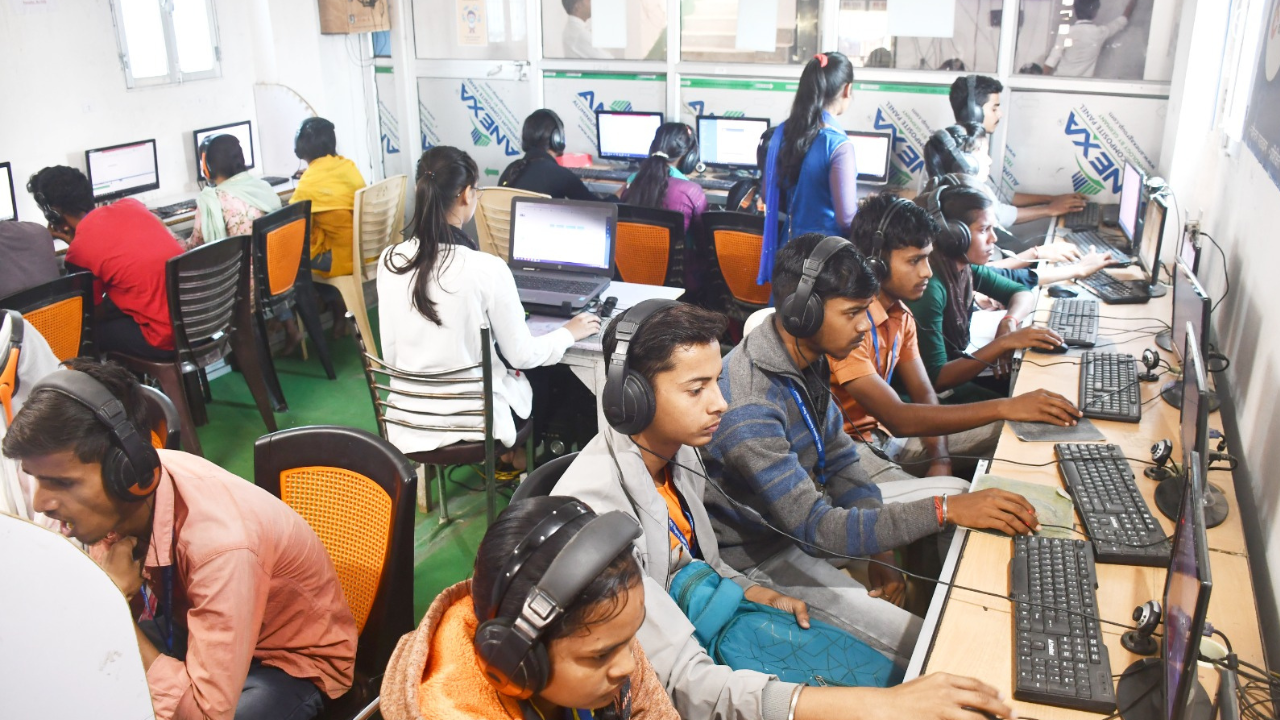
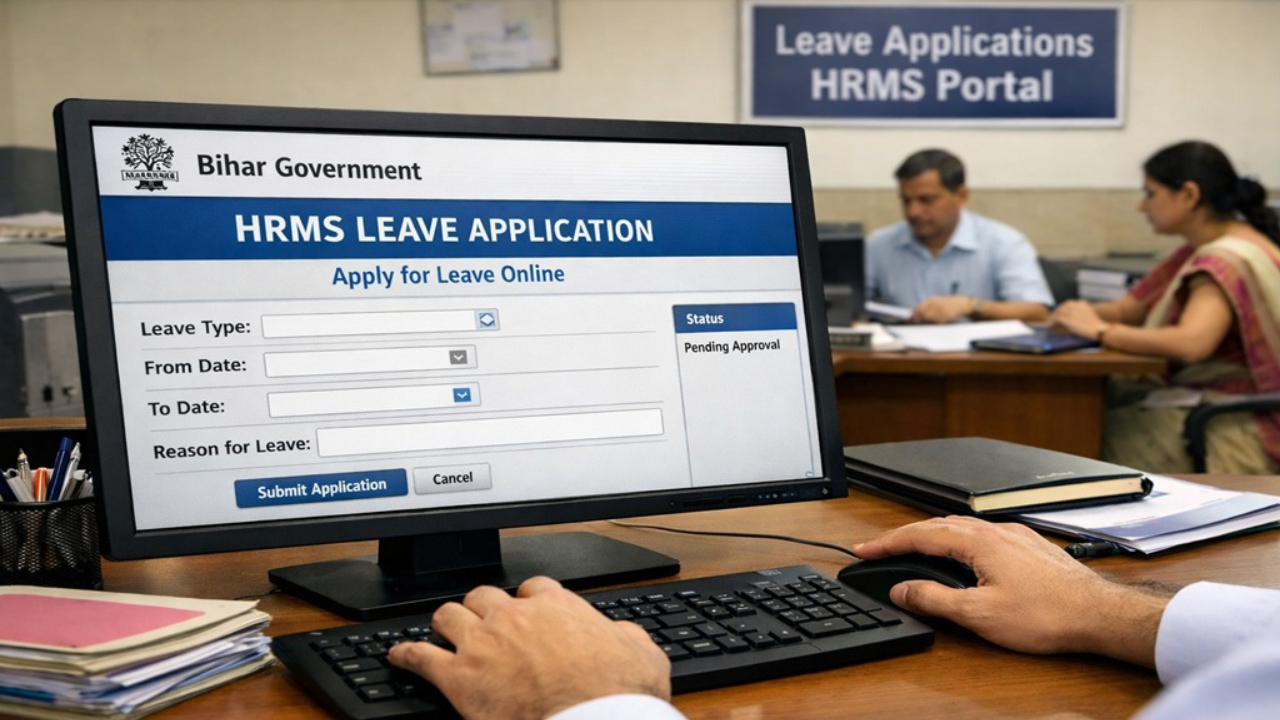
Leave management is another feature that saves real headaches. You can apply for casual leave, earned leave, or any other type of leave directly through the system. Your department head gets the application digitally. They can approve or reject it from their own login. You see the status in real time. No more wondering whether your leave application got buried under a pile of files on someone’s desk.
The portal also handles attendance tracking. Your office can mark and monitor attendance online, which means fewer disputes about how many days you actually worked. For employees dealing with loans or advances, the system tracks your balances too. Everything is visible, transparent, and in your control.
Read Also: CracksTube: A Full Breakdown of What It Offers, the Risks and Why People Keep Talking About It
How to Login Without Losing Your Mind
A lot of people hear “online portal” and immediately think it is too technical. But honestly, if you can use WhatsApp, you can use this.
Open your browser and go to hrms.bihar.gov.in. On the login page, you will see two options. You can log in using your username and password, or you can log in using an OTP. If you are a first-time user, the portal asks you to use your User ID and log in with the OTP sent to your registered mobile number. That is your first step.
Your username is usually your Employee ID. If you do not know it, check your old salary slip or ask your DDO — your Drawing and Disbursing Officer. They have it. Once you enter your User ID and request the OTP, your phone gets a code within seconds. Type it in, and you are inside your dashboard.
If you already have a password set up, just enter your username, password, and the captcha code shown on screen. Click sign in, and you are good to go.
Forgot your password? It happens. Click on the forgot password link, enter your registered mobile number, and follow the instructions. The portal will help you reset it.
No need to run to the IT cell for this.
One small tip — always log out properly when you are done. If you just close the browser without signing out, the system might show you a message saying your last session was not signed out properly. It is not a big problem, but it can be annoying.
Why This Portal is a Big Deal for Bihar
Bihar is a huge state with thousands of government employees working in remote areas. For years, getting basic job documents meant traveling to block offices, waiting in lines, and dealing with delays that had nothing to do with you. The HRMS Government of Bihar portal is changing that story one click at a time.
It brings transparency. You can see your own records. You do not have to trust someone else’s word about your leave balance or your GPF status. The numbers are right there on your screen.
It saves time. Instead of taking half a day off to collect a document, you download it in two minutes while drinking your morning tea.
It reduces errors. When records are digital, there is less chance of someone writing the wrong date or miscalculating your deductions. And if there is an error, you spot it faster.
It also helps the government. When everything is online, departments can process transfers, promotions, and pensions more smoothly. Less paperwork means fewer delays for everyone.
When Things Do Not Work — Simple Fixes
Let us be real. Sometimes technology acts up. Here is what to do when that happens.
If the OTP does not come, first check whether your mobile number is correctly registered in the system. If you recently changed your number, your DDO needs to update it. Until then, the OTP will keep going to your old number.
If the website is not loading, try again after some time. Government portals can get slow when too many people log in at once — usually right after salary day when everyone rushes to download their slips.
If you forgot your username, the portal has a forgot username option where you can enter your registered mobile number to recover it.
And if nothing works, the help desk is actually helpful. Call 0612-2004000 or email hd.hrms.bihar@gmail.com. Their timings are Monday to Saturday, 9:30 AM to 6:00 PM, excluding holidays. Real people sit there and answer calls. So do not hesitate to reach out.
Final Word
Life as a government employee in Bihar comes with enough challenges already. Traffic, long distances, paperwork, and office timings should not be one of them. The HRMS Government of Bihar portal is not some fancy tech tool made for computer engineers. It is a simple, practical system made for regular people like you and me.
So if you have not registered yet, do it today. Take ten minutes. Open hrms.bihar.gov.in on your phone. Log in with your Employee ID and OTP. Look at your salary slip. Check your service book. See your leave balance. Get familiar with it. Because once you do, you will realize that a lot of your office headaches just disappeared.
Your documents are yours. Your records are yours. And now, finally, you can access them without asking anyone’s permission. That is what this portal is really about.
Read More: ERR_Connection_Reset: Complete Guide to Fixing Browser Connection Errors

No comment