

iPad Air White Spot: Causes, Fixes, and Prevention Tips
-
 by
by
- in Tablet Phone


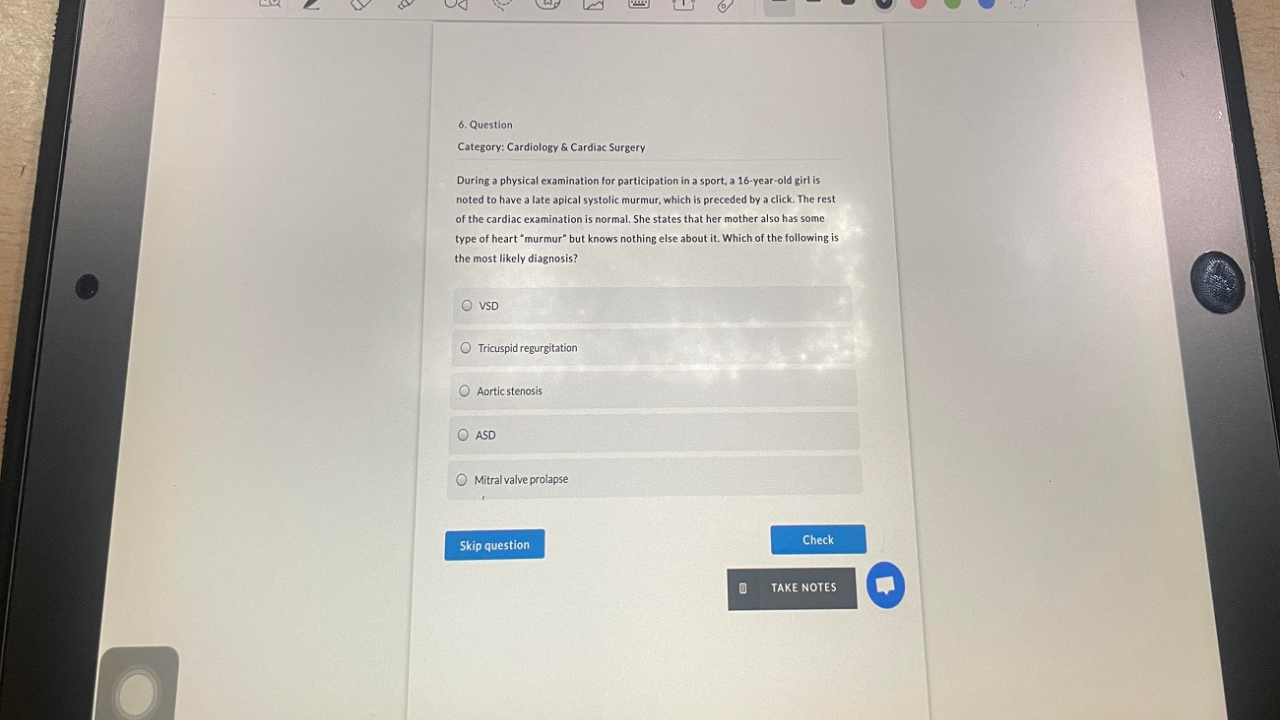
Do you have a bright spot or small glowing spot that won’t go away on your iPad Air display? The iPad Air White Spot problem is more common than expected. It can be seen as a small white dot, or as a bright white area that’s cloudy. Sometimes the problem is small and not distracting, but in some cases it can be distracting while playing games, streaming or reading.
In most cases, white spots on an iPad Air are tied to pressure generated on the hardware, display or pixel problems. Fortunately, there are a few things that you can try that are easy enough to complete before resorting to a costly fix.
What is an iPad Air White Spot?
Typically, the iPad Air white spot will be a bright space that remains visible during the use of any app or wallpaper. This spot is not removed when the display is cleaned as with fingerprints or dust.
Some users mistake white spots as dead pixels or screen glare but they’re actually a bit different. Pressure marks tend to be larger and brighter whereas dead pixels tend to be small black or white dots. In some instances, the edges of the screen may also get a glow due to backlight bleeding.
Common Causes for iPad Air White Spots Issue

Pressure Damage
One of the most common reasons for white spots on iPad Air models is pressure damage. When the device is placed in a compact backpack or heavy items are placed on it, the internal parts may come in contact with the LCD panel. This will cause a luminous oval on the screen.
Hardware Malfunction
There are some white spots due to overheating, or internal hardware problems. The logic board might cause heat in some iPad Air models, over time, which can impact the display layers. This can lead to a slight delamination of the backlight layer and create bright areas.
Stuck or Dead Pixels
Pixels are the very small parts of a display that can be used to create color. When one gets stuck or damaged, it can be stuck and always show white. The defects in the pixels are typically the result of age of display, manufacturing error, or pressure.
Physical Damage
The display panel may also be damaged by drops, bending or by accidental impact. Although the outside glass may appear to be in good condition, the LCD inner glass could be damaged causing bright markings or irregularity on display.
Software Glitches
Occasionally, software bugs can cause temporary screen artifacts; this is less frequent. If your iPadOS is older or you have any app conflicts, it can cause abnormal display phenomena, which can look like white spots.
How to Diagnose the White Spot Problem
Click Screenshot Test Button
If it is a problem, you can perform a quick screen shot test to determine if it’s software or hardware based. Shoot a picture of the white spot and check on other device.
Check the Display Carefully
Look for signs of bending, cracks, pressure marks, or discoloration. Physical damage typically is not a software bug, but rather an LCD issue.
Test Different Apps
Run several applications or change wallpapers to see if the white spot is visible in all applications. If they are persistent, it’s a hardware problem.
How to Fix iPad Air White Spot Issues
Restart Your iPad Air
A restart will eliminate temporary display glitches. It is the simplest problem solving measure and at times resolves minor software problems.
Update iPadOS
If configured with outdated software, it can show abnormalities. Update to the latest iPadOS may resolve bugs and enhance screen performance.
Clean Screen Properly
Use a soft microfiber cloth to gently clean the display. Sometimes, dust or debris close to the screen protector can appear as white dots.
Check for App Conflicts
Certain problematic app can cause display glitches. Uninstall recently added applications or run the device in Safe Mode (if available).
Factory Reset on the Device
If the software troubleshooting does not work, a factory reset might work. Before resetting the iPad, make sure to back up important files.
Contact Apple Support
If the white spot has been left after all troubleshooting, professional repair might be required. When the display assembly is out of repair, the only long-term solution is to replace it.
Can White Spots on iPad Air be Avoided
To minimize the chances of damaging the screen, use a durable, protective case and apply only light pressure to the screen. Avoid heavy objects on top of your iPad Air, particularly when traveling. Also, preventing the device from exposure to extreme heat and humidity will help protect the display.
Final Word
The iPad Air White Spot problem may be caused by pressure, hardware failure, stuck pixels or software glitches. In many cases, it can be solved either by restarting the device or updating iPadOS, but if the white spots persist, it is likely that the display is physically damaged. Early diagnosis of the problem can avoid further problems with the screen and assists you in determining if the screen needs professional repair.
FAQs
1.Why does my iPad Air have a white spot on the screen?
Common causes of white spots are pressure damage, stuck pixels, overheating or display hardware problems.
2.Will white spots on iPad Air go away?
Most minor software related spots may disappear after restarting or updating the device, however hardware related spots will stay.
3.Do white spots on iPad Air occur due to pressure damage?
Yes, if there is too much pressure, it is one of the most frequent causes of bright spots on iPad Air displays.
4.Will Apple repair the iPad Air white spot problem?
Apple may pay for the repair if it is a manufacturing fault and the product is still under warranty.
5.How much does it cost to repair an iPad Air white spot?
The cost of repairs will vary according to the iPad model and the extent of the damage. The cost of screen replacement is typically the most expensive.
Read more: White Dot on Mobile Screen: Causes, Fixes, and Prevention Tips

No comment